Prevention
Why Is My Website Not Showing Up on Google? Causes and Fixes
Diagnose why your website is missing from Google — indexing problems, DNS/hosting outages, noindex mistakes, thin pages, and ranking vs visibility — with a clear fix order and when to get repair help.
Josh
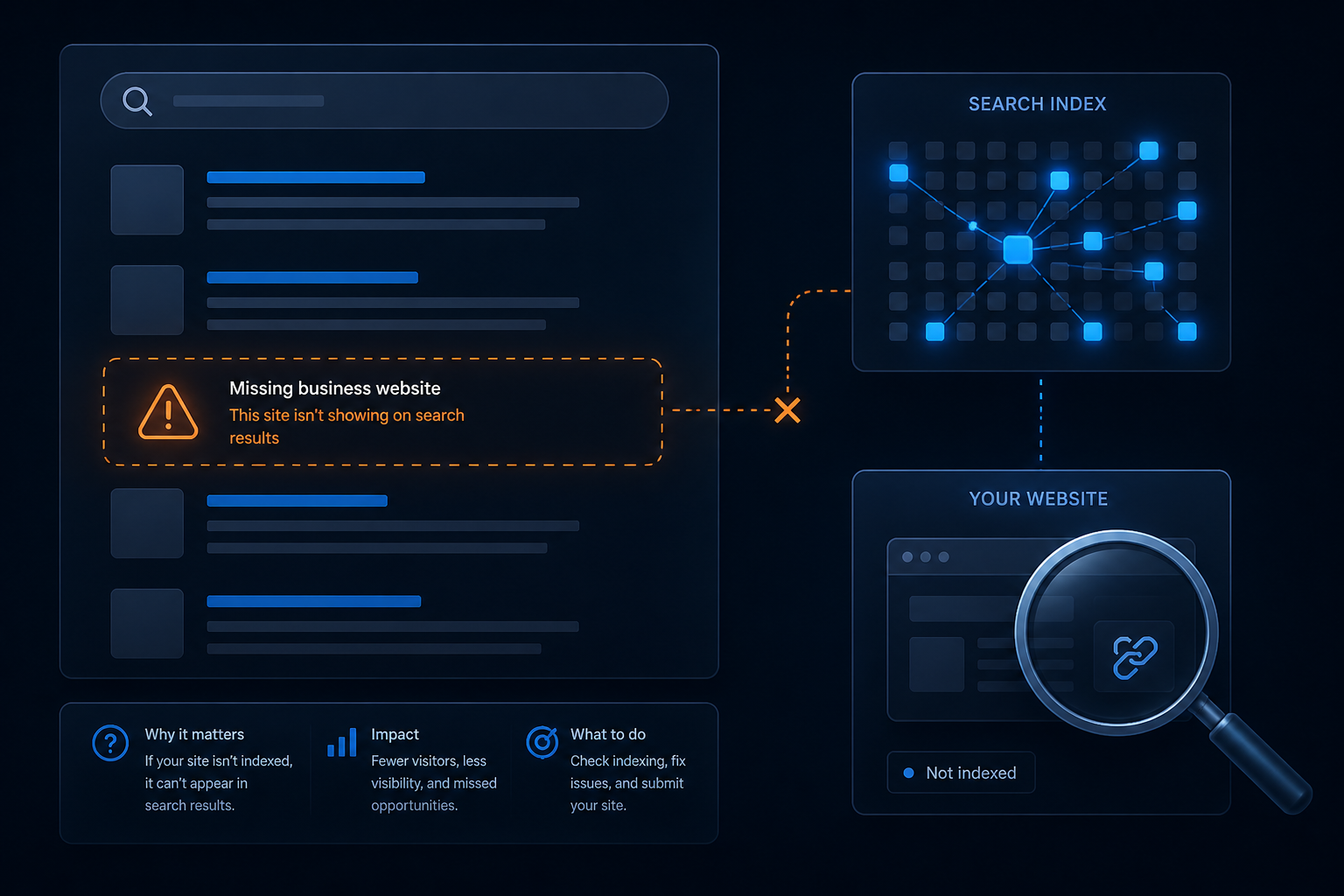
“Why is my website not showing up on Google?” is a classic action search — and it usually mixes three different problems into one sentence. Owners mean the site is invisible, but the cause might be not indexed, not reachable, or indexed but not ranking. Mixing those up wastes weeks on the wrong fix.
Use this diagnostic order before you rewrite your entire homepage or buy links.
First: separate “not indexed” from “not ranking”
Do these checks:
- Open the live URL yourself (phone data + desktop). If it fails, this is a hosting/DNS/SSL problem first — Google cannot index an unreachable site.
- In Google Search Console, inspect the homepage. Note whether Google can fetch it and whether indexing is allowed.
- Check Indexing → Pages for exclusions (
noindex, crawled-not-indexed, not found, redirect errors). - Search your exact brand or domain. If you appear for the brand but not for competitive service terms, you are often indexed but weak — a different project than “Google can’t see me.”
If Search Console is not set up yet, verify property ownership today. Without it you are guessing.
Cause bucket A — The site is not reachable
Googlebot will not reliably index what the public internet cannot load.
Common breakages:
- Domain DNS pointed at the wrong host or expired nameservers
- Hosting suspended or account offline
- SSL failures / redirect loops that abort the fetch
- Firewall or security rules blocking crawlers along with attackers
- Accidental password protection or IP allowlists on production
Symptoms: browsers show errors, intermittent downtime, or “not secure” loops. Fix path: restore hosting/DNS/SSL, then re-check URL Inspection. This is classic website repair territory — especially after migrations or registrar changes.
Cause bucket B — The site is blocked from indexing
The site loads for humans, but Google is told not to keep it.
Look for:
noindexleft from staging, maintenance plugins, or SEO settings- robots.txt disallowing important paths
- Canonical tags pointing to a different domain or old URL
- HTTP → HTTPS or www/non-www chaos with conflicting signals
- Soft 404s (thin empty templates that look like “no content”)
Also review the related status Crawled — currently not indexed when Google fetches pages and still declines them.
Cause bucket C — Pages are thin, duplicated, or unwanted
Google crawled you and chose not to invest index slots in weak URLs.
Typical patterns on small business sites:
- Near-identical location pages
- Empty category/tag archives submitted in sitemaps
- “Coming soon” leftovers still public
- Duplicate printer or parameter URLs
- Important services buried with zero internal links
Fixes: consolidate, rewrite with unique proof, strengthen internal links, clean the sitemap, then request indexing on priority URLs after the change.
Cause bucket D — You are indexed, just not winning the query
If URL Inspection says the homepage is indexed and brand search works, the problem is often relevance, competition, local pack factors, or thin service pages — not a missing site.
That is SEO strategy work layered on a healthy stack. Do not treat it like an emergency outage. Still keep technical SEO healthy so rankings have a floor to stand on.
A practical fix order that saves time
- Make the site stably load on mobile and desktop
- Verify Search Console and fix Manual Actions / security issues if any
- Remove
noindex, bad robots rules, and canonical conflicts - Submit a clean XML sitemap of canonical URLs only
- Improve and internally link money pages; ignore utility exclusions
- Request indexing for fixed priority URLs
- Monitor Coverage/Pages weekly for two to four weeks
Skip buying “guaranteed first page” services while steps 1–4 are broken. They cannot index a blocked or down site.
Where repair and Care help
Repair when something is technically wrong: downtime, migration fallout, SEO plugin misfires, malware spam that tanks trust, broken sitemaps, or templates Google cannot render.
Website Care Plans when the site is stable but you need ongoing supervised updates, uptime/SSL monitoring, restore-tested backups, and someone watching the stack so visibility does not silently die after the next plugin night.
If you are stuck between “it looks fine” and “Google ignores us,” start with Search Console evidence and a repair diagnostic on the technical blockers — then keep the foundation with Care.
Frequently asked questions
How do I check if Google indexed my site at all? +
My site loads fine — why would Google not show it? +
Is this always a Google penalty? +
How long does a new site take to appear? +
Can website repair get me onto Google overnight? +
Related in Prevention
-
Prevention
How to Fix “Crawled — Currently Not Indexed” in Google Search Console
Step-by-step triage for Google Search Console’s “Crawled — currently not indexed” status — what it means, which pages to ignore, and how to fix money pages that Google crawls but will not index.
-
Prevention
Website Care Plan Checklist: What’s Included and How It Helps SEO
A practical website care plan checklist — supervised updates, restore-tested backups, monitoring, security, and technical SEO hygiene — and how those operations help Google crawl and trust your site.
-
Prevention
Namecheap outage lesson for Jamestown NY — why you need a website care plan
The August 2026 Namecheap outage showed why Jamestown, Buffalo, and Great Lakes businesses need a website care plan, managed hosting, off-site backups, and fast DNS failover.